
The Front Door of Your Digital Presence
In most buying journeys, your website is the first real impression a prospect gets of your business, and often the deciding one. People judge credibility quickly, and they judge it on what they can see and feel: how fast the page appears, how clear the message is, how easy it is to find what they came for. A slow, cluttered or confusing site communicates carelessness before a word has been read.
To turn visitors into customers, a website has to be fast, intuitive and visually confident, and it has to say something specific. The sections below explain what that takes.
Speed and Performance
Speed is the most basic form of respect for a visitor’s time. Slow pages lose people before they see your offer, and search engines take page experience into account when ranking results. Performance is largely won through discipline: compressing images and serving modern formats, loading only the code a page needs, avoiding heavy third-party scripts and choosing reliable hosting.
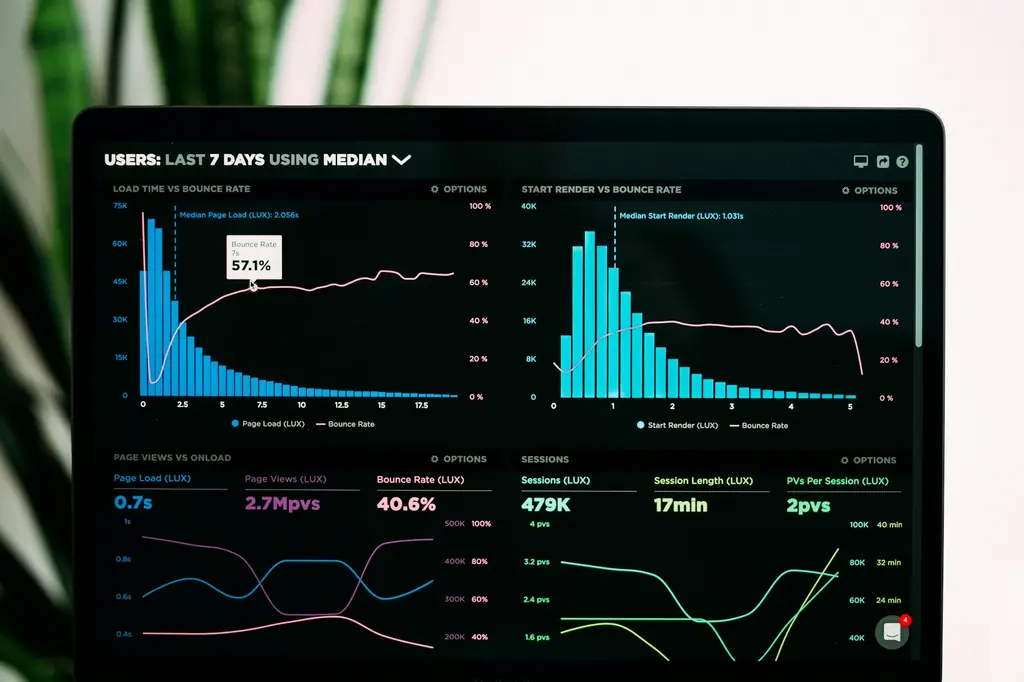
Measure against Google’s Core Web Vitals, which capture how quickly the main content appears, how soon the page responds to interaction and how stable the layout is while loading. Test on a mid-range phone over an ordinary mobile connection, because that is the real-world experience for many of your visitors.
Navigation and Structure That Feel Obvious
Visitors should be able to find what they need in a few clicks. Keep primary navigation short and clearly labelled, group related content logically and make the next step obvious on every page. If a first-time visitor cannot answer “What do they do, who is it for and what should I do next?” within a few seconds, the structure needs work.
Responsive Design for Every Screen
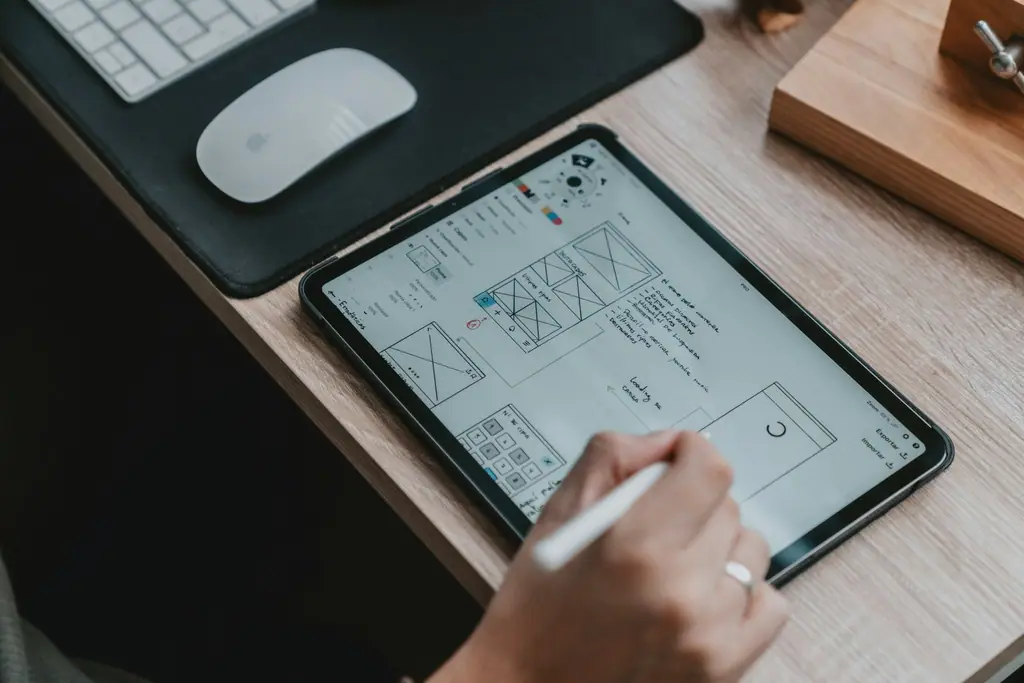
A large share of visitors arrive on phones, so design for the smallest screen first and enhance for larger ones. Touch targets should be comfortable, text readable without zooming and forms short enough to complete with a thumb. Responsive design is not just shrinking a desktop layout; it means deciding what matters most when space is scarce.
Trust Signals That Do Real Work
Design quality is itself a trust signal, but visitors also look for evidence. Include specific proof: client logos you have permission to show, short testimonials attributed to real roles, concrete results, certifications, clear contact details and a physical address. Make privacy and security visible, serve the site over HTTPS and keep forms honest about what happens after submission.
Content That Converts
Words do as much work as visuals. Lead with the benefit rather than the company history, use plain language, break long text into scannable sections and give each page one clear call to action. Write headlines that answer the question a visitor typed into a search box, which also helps with discovery. Our guide to SEO copywriting covers the process in more detail.
A Search-Ready Foundation
A beautiful site that cannot be found is a wasted asset. Build the basics in from the start: descriptive URLs, one clear H1 per page, logical headings, unique titles and descriptions, descriptive alt text on images, structured data and an XML sitemap. These technical foundations make it easier for search engines to understand and surface your content.
Measure, Learn, Improve
Launch is the beginning of improvement, not the end. Track where visitors arrive from, which pages hold their attention, where they drop out and which actions lead to enquiries. Use that evidence to make small, steady improvements: clearer headlines, shorter forms, stronger proof near the call to action. Over months these small changes compound into a meaningfully better-performing site.
Accessibility Is Part of Trust
An accessible website is a more trustworthy one, and it is also simply a bigger market. Sufficient colour contrast, readable type sizes, meaningful link text, labelled form fields, visible keyboard focus and descriptive alt text help people with visual, motor or cognitive differences, and they help everyone using a phone in bright sunlight or a laptop on a slow connection. Accessibility work is far cheaper when it is built in from the first design than when it is retrofitted after launch.
Common Mistakes That Quietly Cost Enquiries
- Auto-playing carousels and pop-ups that interrupt the first few seconds of a visit.
- Stock photography that could belong to any company, replacing real people, products and places.
- Forms that ask for too much before the visitor has seen any value.
- Vague headlines such as “Welcome to our website” in the most valuable space on the page.
- No clear next step, leaving interested visitors to guess how to get in touch.
Fixing these rarely requires a full redesign. Often a clearer headline, a faster page and a simpler form are enough to change the numbers.
It also helps to review the site the way a stranger would. Ask someone outside the company to open the homepage on their phone and tell you, after ten seconds, what you do and who you do it for. Their hesitation will show you exactly where the message or the layout needs to work harder.
A quick checklist
- Does the main content appear in under about two and a half seconds on mobile?
- Is the value proposition clear above the fold?
- Is there one primary call to action per page?
- Does every image have descriptive alt text and explicit dimensions?
- Can the whole site be used with a keyboard?
- Is analytics set up to record enquiries as conversions?
Conclusion
Combining brand aesthetics with solid engineering is our specialty at Greydot. We focus on custom code, purposeful micro-animations and performance optimisation so that your digital home is as functional as it is beautiful, and as persuasive as the business behind it.
How Greydot Can Help
Greydot is a brand studio in Wakad, Pune. If you would like to put the ideas in this article into practice for your website, our team offers website design and development services in Pune alongside a clear, step-by-step process. Tell us about your project and we will reply within one working day.
Related capability